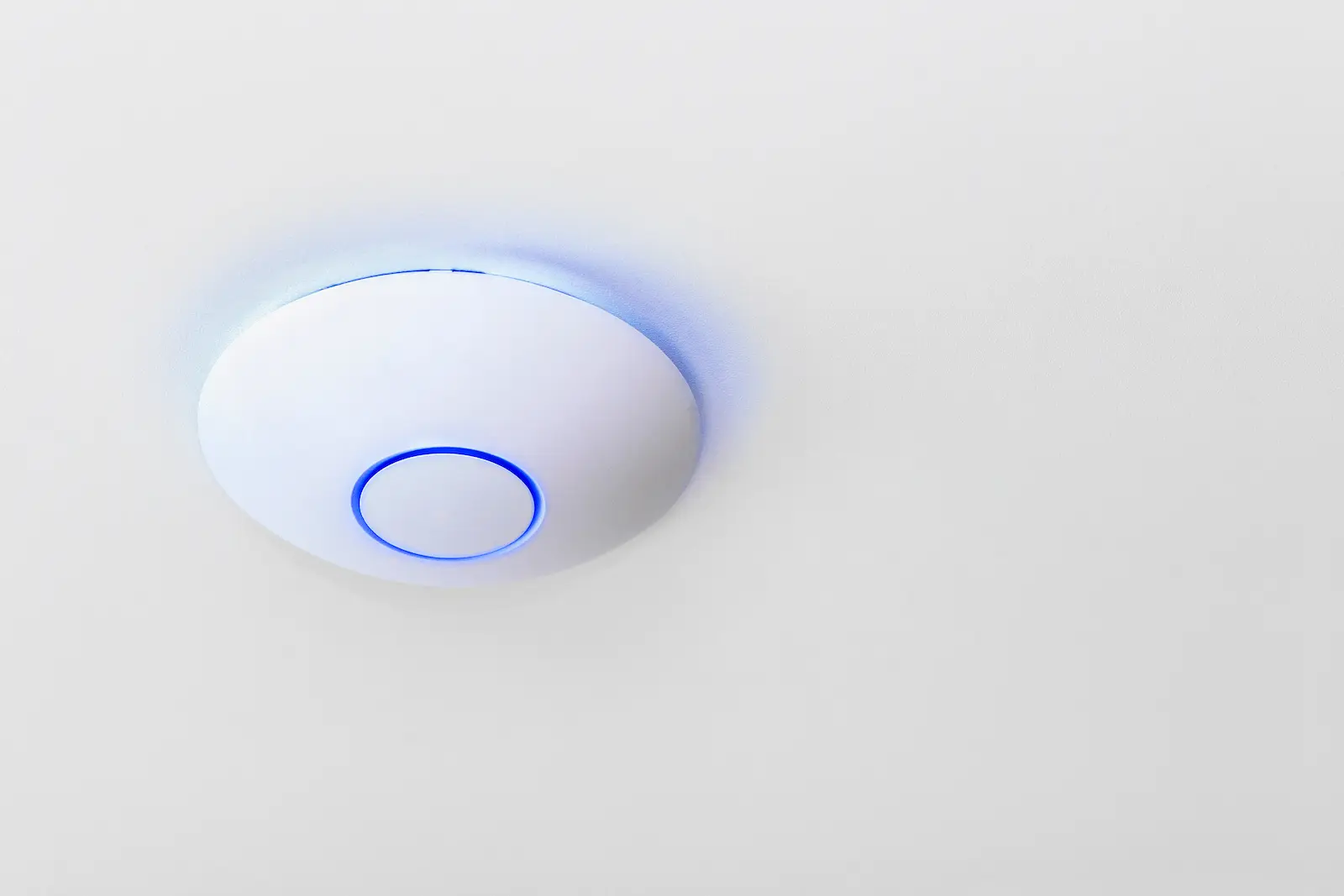
Networking & Wi-Fi
Work out whether bad Wi-Fi is actually the root problem, when hardwiring matters, and why network stability changes cameras, streaming, and device behavior.
Networking & Wi-Fi in Huntsville, AL
A lot of camera problems, streaming complaints, and smart-device issues are really network problems wearing a different label. This page is for people trying to figure out whether weak Wi-Fi is the real issue, when a mesh system is enough, and when the better answer is hardwiring or access points.
The practical question is not 'What is the newest router?' It is 'Why is this property unstable, and what kind of fix actually matches the layout, the walls, and the device load?'
Best for
This is the right path when the network is the bottleneck: dead zones, unstable camera feeds, buffering streams, poor app response, or a property layout that a single router is not handling well.
Good fit / not a fit
- Good fit: cameras drop, video calls break up, or parts of the property have weak or inconsistent coverage.
- Good fit: you are adding devices and want to know if the current network can support them.
- Not a fit: the main job is deciding on alarm coverage rather than network reliability.
- Not a fit: the project is mostly about AV room design or TV mounting instead of whole-property network stability.
Typical jobs
- Fixing dead zones in larger houses, bonus rooms, detached spaces, or offices with heavy wall interference.
- Stabilizing camera feeds and remote viewing when the cameras are not the real problem.
- Upgrading a basic router setup to access points or wired backhaul where coverage and device count outgrew the original plan.
- Sorting out whether the better answer is moving equipment, adding wired links, or rebuilding the wireless layout entirely.
Is bad Wi-Fi the real issue?
Sometimes yes, sometimes it is a mix of weak placement, overloaded gear, interference, or devices that are asking more of the network than it can consistently deliver. The reason this matters is that a bad network can make cameras, streaming boxes, doorbells, and smart devices all look unreliable when the network is the shared failure point.
The first step is usually diagnosing whether the problem is coverage, congestion, device load, construction materials, or a bad equipment layout. Until that is clear, buying more hardware is often just guessing.
When do you need hardwiring instead of mesh or router changes?
Mesh can help when the property mostly needs better wireless coverage and the structure cooperates. Hardwiring becomes more important when the property is larger, the walls are tougher on signal, the device count is high, or certain devices need steadier performance than wireless hops can reliably give.
The practical way to decide is to ask which parts of the network must stay stable under load. Cameras, access points, workstations, streaming gear, and outbuildings often benefit most from a wired path even if the rest of the network stays wireless.
Why does this matter for cameras, streaming, and device reliability?
Cameras depend on stable bandwidth and predictable connection quality. Streaming gear and video calls do too. When the network is weak, the visible symptom may be a camera that lags, a stream that buffers, or a smart-home app that feels inconsistent. Fixing only the end device usually does not solve the real problem.
That is why networking work often ties directly into camera jobs, AV work, and automation. If the network is weak, every connected system inherits that weakness.
What affects scope or cost?
Scope changes with square footage, wall materials, attic or crawl access, whether cable can be run cleanly, how many coverage zones matter, and how many devices are placing steady demand on the network. Detached structures and long outdoor runs also change the job.
The cost difference is often driven more by the building and cable paths than by the access points or router hardware itself.
Before you buy
- List the rooms or areas where the connection fails or slows down the most.
- Note whether the issues show up mainly on cameras, streaming, calls, smart devices, or all of the above.
- Think about whether any devices really need a wired connection instead of another wireless hop.
- Identify any detached spaces, thick-wall areas, or existing wiring paths that might matter.
Process
- We review the layout, coverage problem areas, and device load.
- We figure out whether the job is mainly placement, wireless design, or hardwiring.
- We recommend the right mix of router changes, access points, or wired paths.
- We test the network where it matters and confirm the connected devices behave the way they should.
FAQ
- A stronger router alone does not fix every layout problem.
- Hardwiring matters most where stability under load matters most.
- Camera issues are often network issues in disguise.
- A good network plan is based on the property layout and device behavior, not just internet speed.
Need to know if the network is really the problem?
Tell us where the signal drops, what devices keep struggling, and whether cameras or streaming are part of the complaint. That usually points to whether this is a placement fix, a Wi-Fi redesign, or a hardwiring job.